Enterprise DevSecOps Control Plane

_

A unified platform that developers love to use, and CISOs love to approve. ClopsSSH is an offline-first, Zero-Knowledge SSH, SFTP, Docker and Kubernetes manager built for extreme security.

Available natively on:
iOS Android macOS Windows Linux Web
root@clopsai:~#
$ ssh admin@production-cluster
Authenticating via Hardware Enclave...
Success: Access Granted (JIT)
admin@production:~$ clops-agent status
 clops-agent.service - Zero-Trust Relay
   Active: active (running) since Sun 2026-09-19 10:00:00 UTC
   P2P WebSocket Tunnel: ESTABLISHED
admin@production:~$ _

Enterprise-Grade Security

Stop exposing Port 22 to the public internet. Secure your infrastructure with zero standing privileges.

  • Hardware Enclave Protection: All credentials and keys are encrypted via OS-level secure enclaves.
  • Direct P2P Tunnels: Connect to host machines instantly without middleman VPNs.
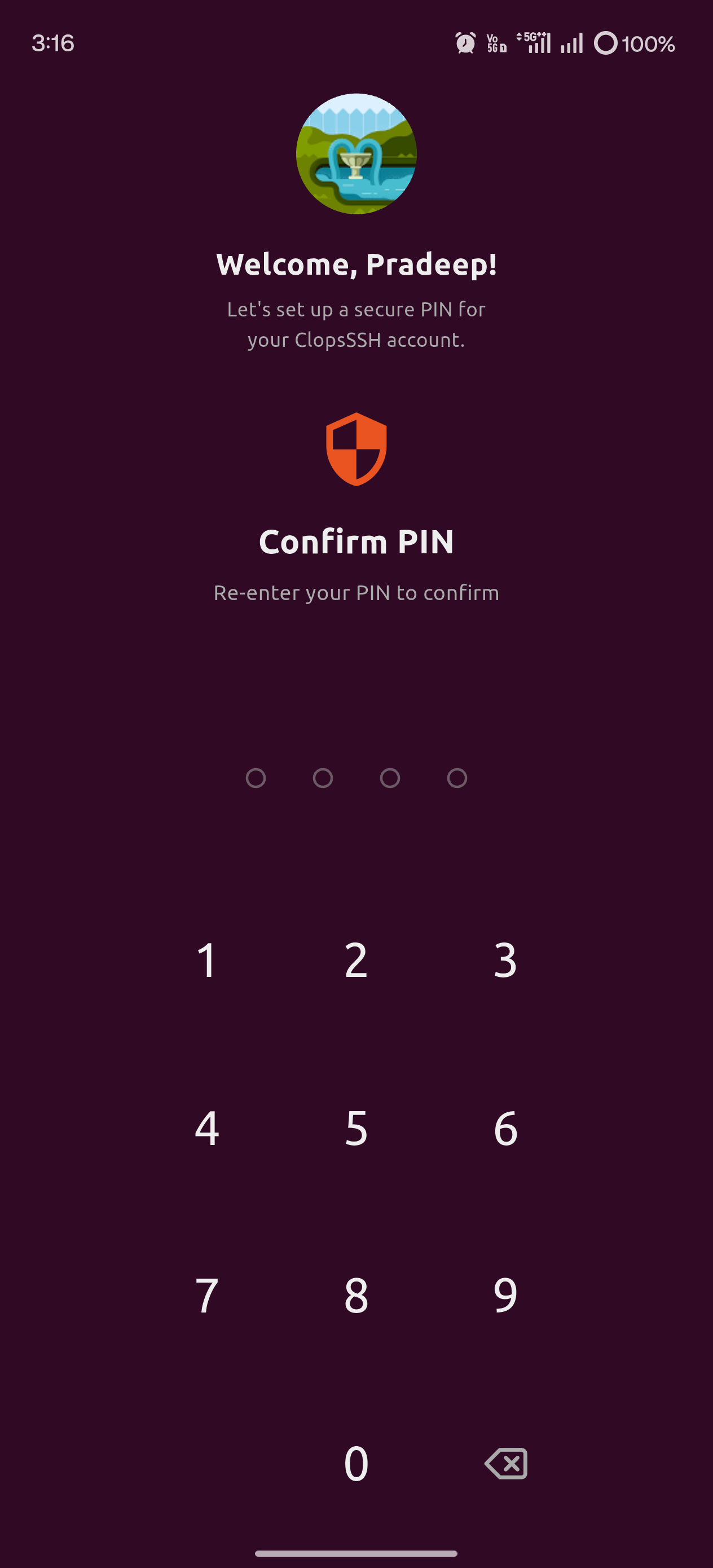
  • Biometric Enforcement: Mandatory FaceID/TouchID validation with brute-force lockout.
  • Zero-Knowledge Architecture: Data is encrypted locally before touching the cloud.
  • Clops Vault: Securely store your secrets, API keys, and server credentials locally.
root@clopsai:~#
$ clops-agent start --ztna-relay
[INFO] Authenticating via Hardware Enclave...
[SUCCESS] Identity verified (YubiKey ed25519-sk)
[INFO] Establishing P2P WebSocket Tunnel...
[SUCCESS] Tunnel connected. No inbound ports open.

Fleet Orchestration & Advanced Access

Fleet Orchestration

Ansible-lite parallel command execution. Run scripts across your entire server fleet simultaneously.

Privileged Access Management

Built-in support for HashiCorp Vault ephemeral keys, SAML SSO, and screen-capture blocking.

Mosh (Mobile Shell)

Native UDP protocol for seamless IP roaming. Your sessions survive switching from WiFi to 5G effortlessly.

Zero-Trust AI (BYOK)

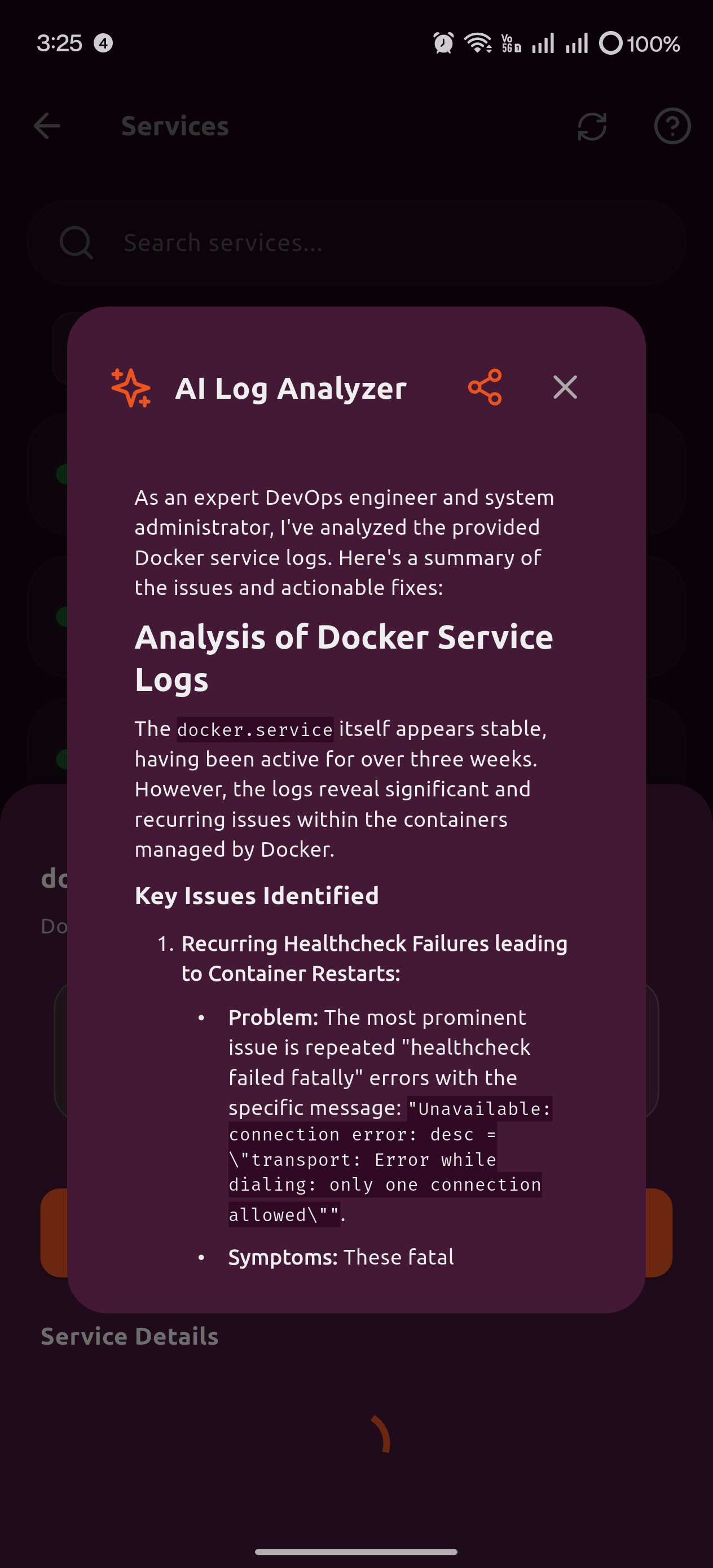
Bring Your Own Key (Google Cloud Vertex integration). We sanitize logs locally before analyzing crashes.

Split View Sessions

Run multiple sessions on the same screen. Instantly switch contexts without losing your train of thought.

Quick Commands Palette

Access your most commonly used commands instantly via a graphical palette overlay.

One-Liners

Execute common DevOps tasks like `git push` or `docker run` natively with a single tap.

Remote File Explorer

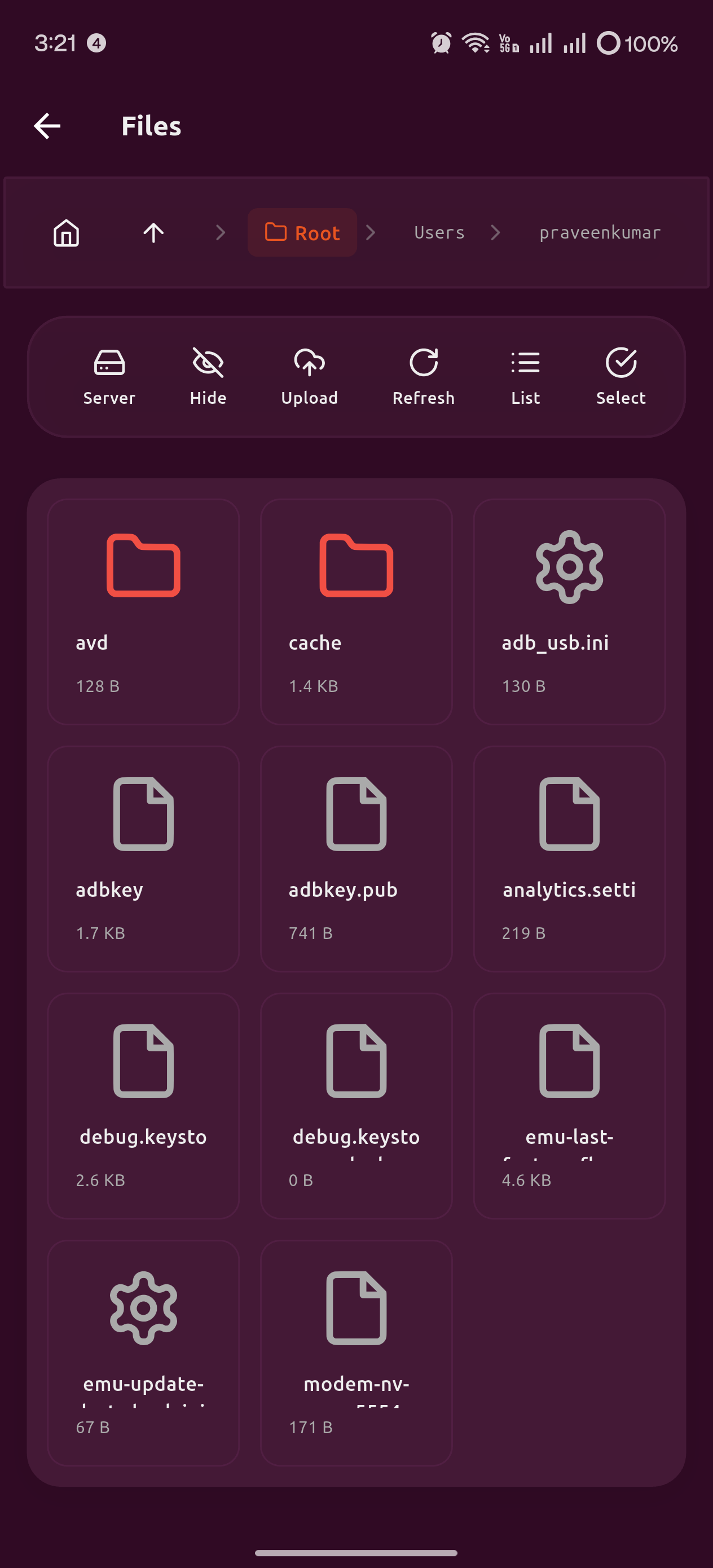
Visually browse directories, edit scripts natively, and execute them securely over SFTP.

Advanced Port Forwarding

Manage Local, Remote, and Dynamic tunnels globally with a 1-tap "Dev Preview" for local web servers.

Jump Servers (Bastions)

Configure robust SSH tunneling to proxy your connections securely through enterprise proxy hosts.

In-App File Editor

View and edit code (HTML, JS, Python) directly on your remote servers without leaving the app.

Background Keep-Alive & Localization

Maintain uninterrupted background SSH/SFTP connections. Full multi-language global translations.

AI-Powered Issue Analysis

Manage complex infrastructures without memorizing syntax. Our AI agent acts as your co-pilot.

  • Flawless Issue Resolution: Instantly diagnose crash logs and generate fix commands.
  • Contextual AI Memory: The AI agent retains session memory for continuous troubleshooting.
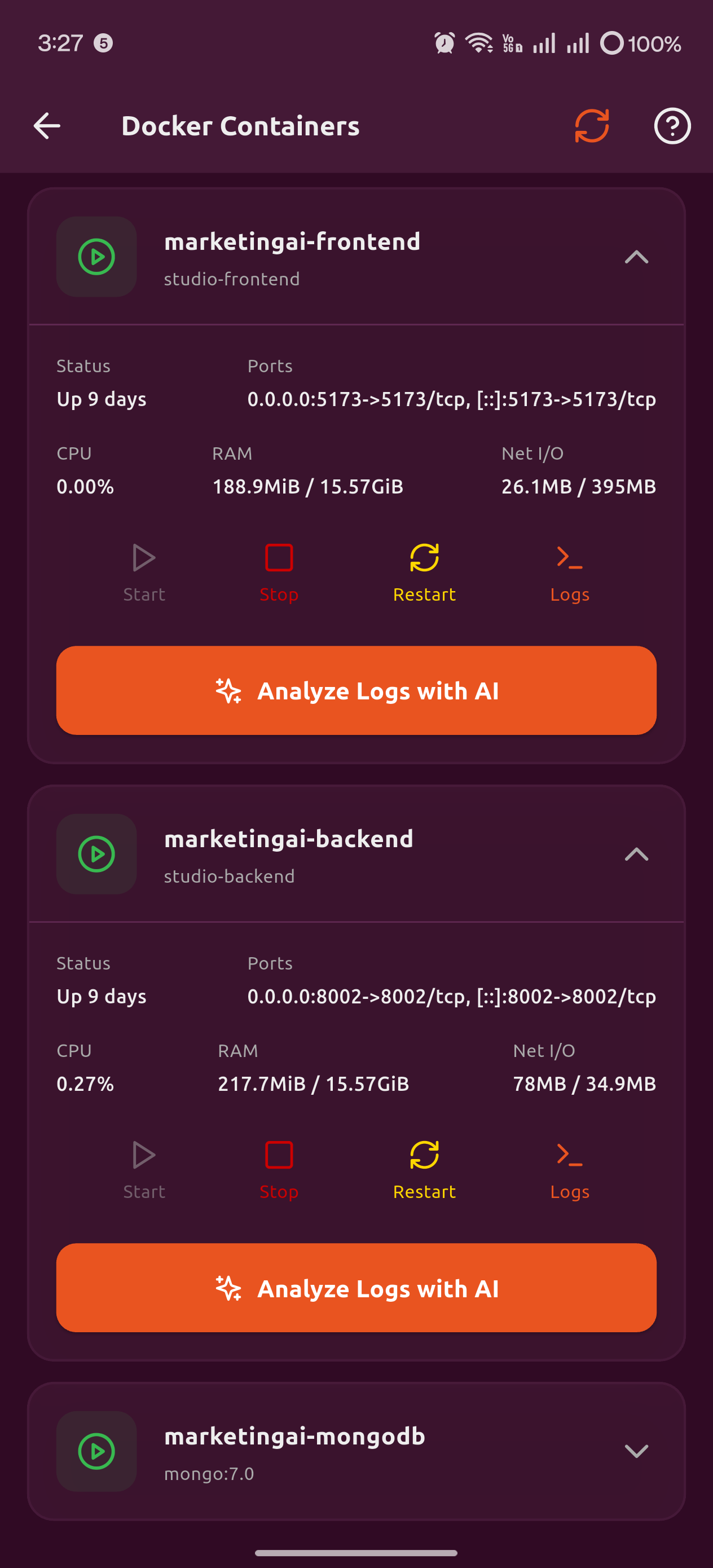
  • Visual Kubernetes & Docker: GUI managers for Pods, Nodes, and Deployments.
Kubernetes Manager

Server Automation & Deep Monitoring

Stop wrestling with CLI commands for routine maintenance. Visualize and automate your entire fleet natively.

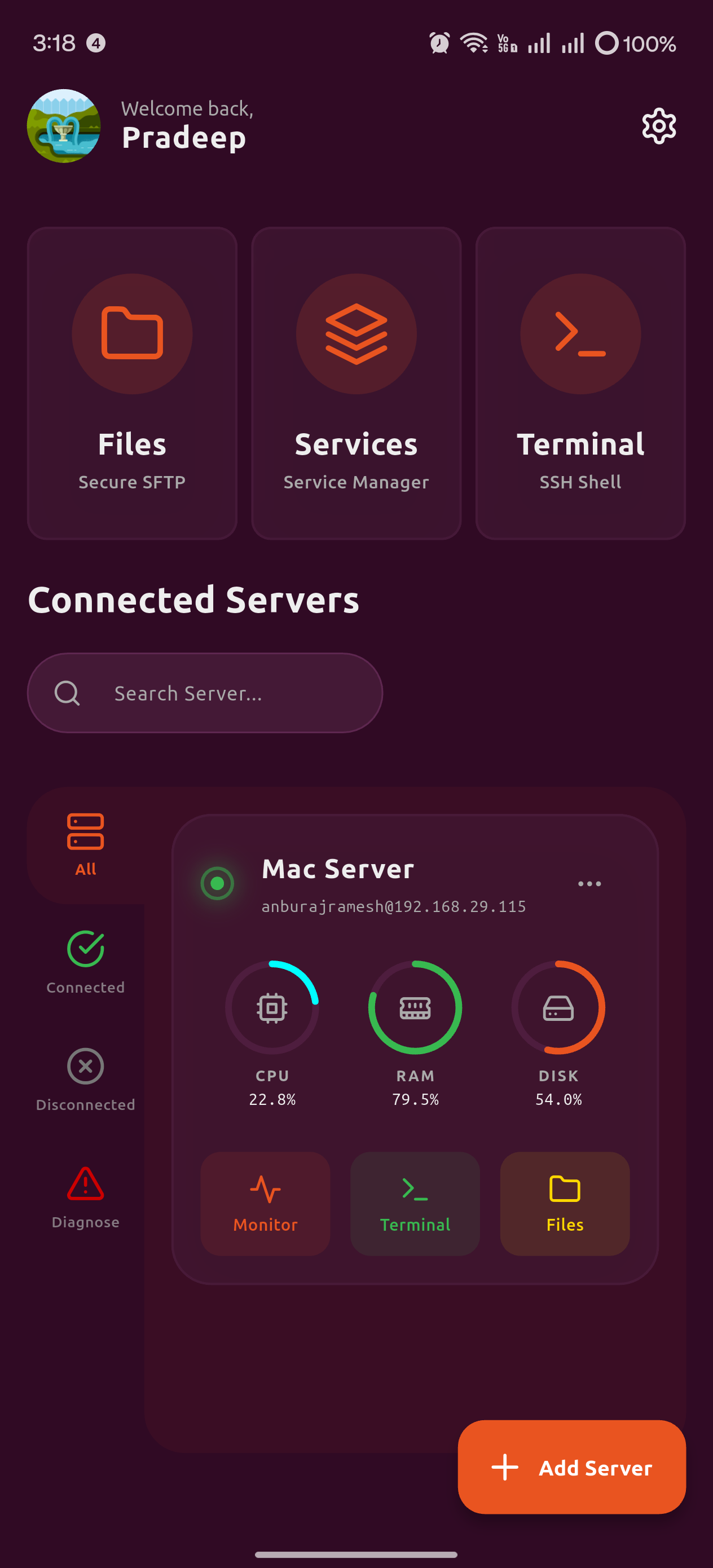
  • Real-Time System Dashboard: Monitor live CPU, RAM, and Disk metrics across all connected servers.
  • Automated Metric Alerts: Receive local push notifications instantly when CPU/RAM usage exceeds 90%.
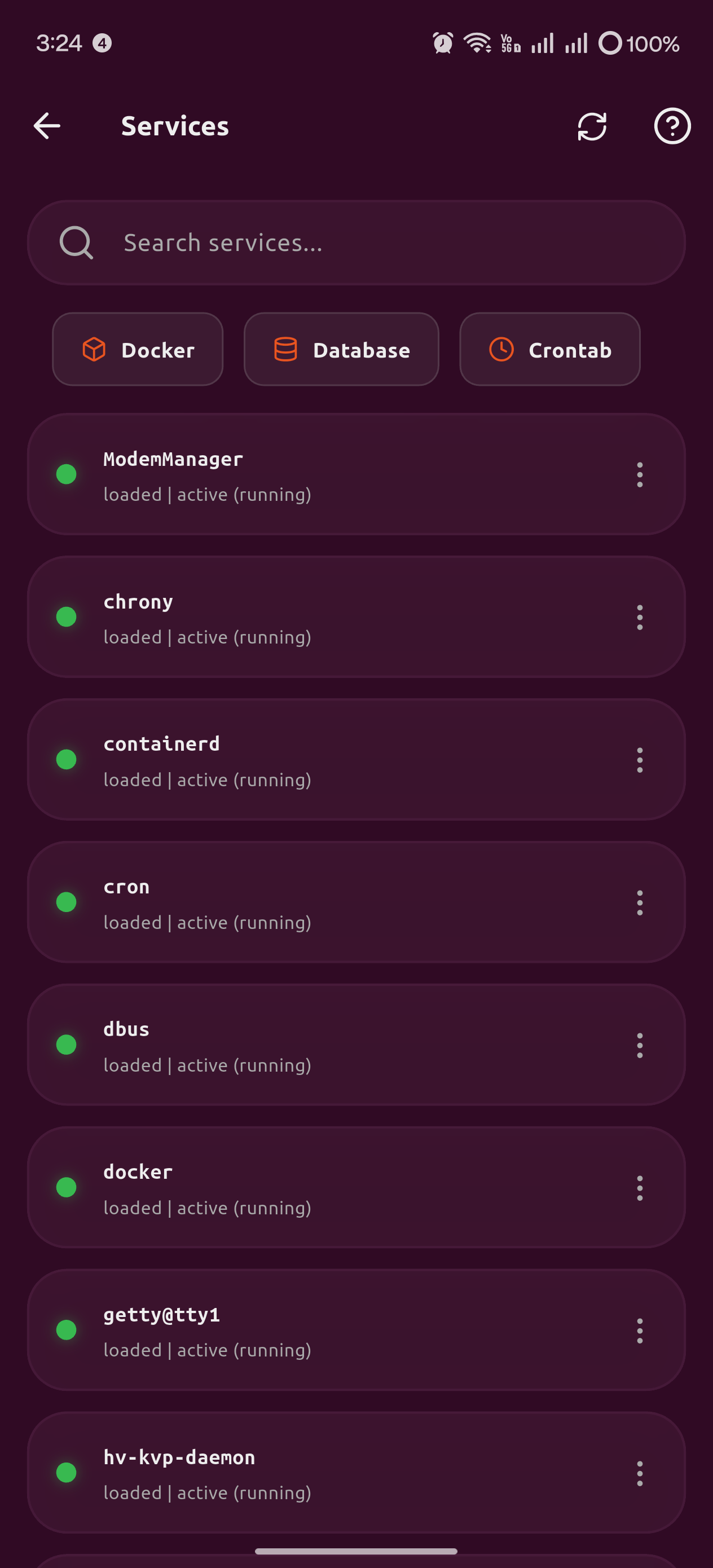
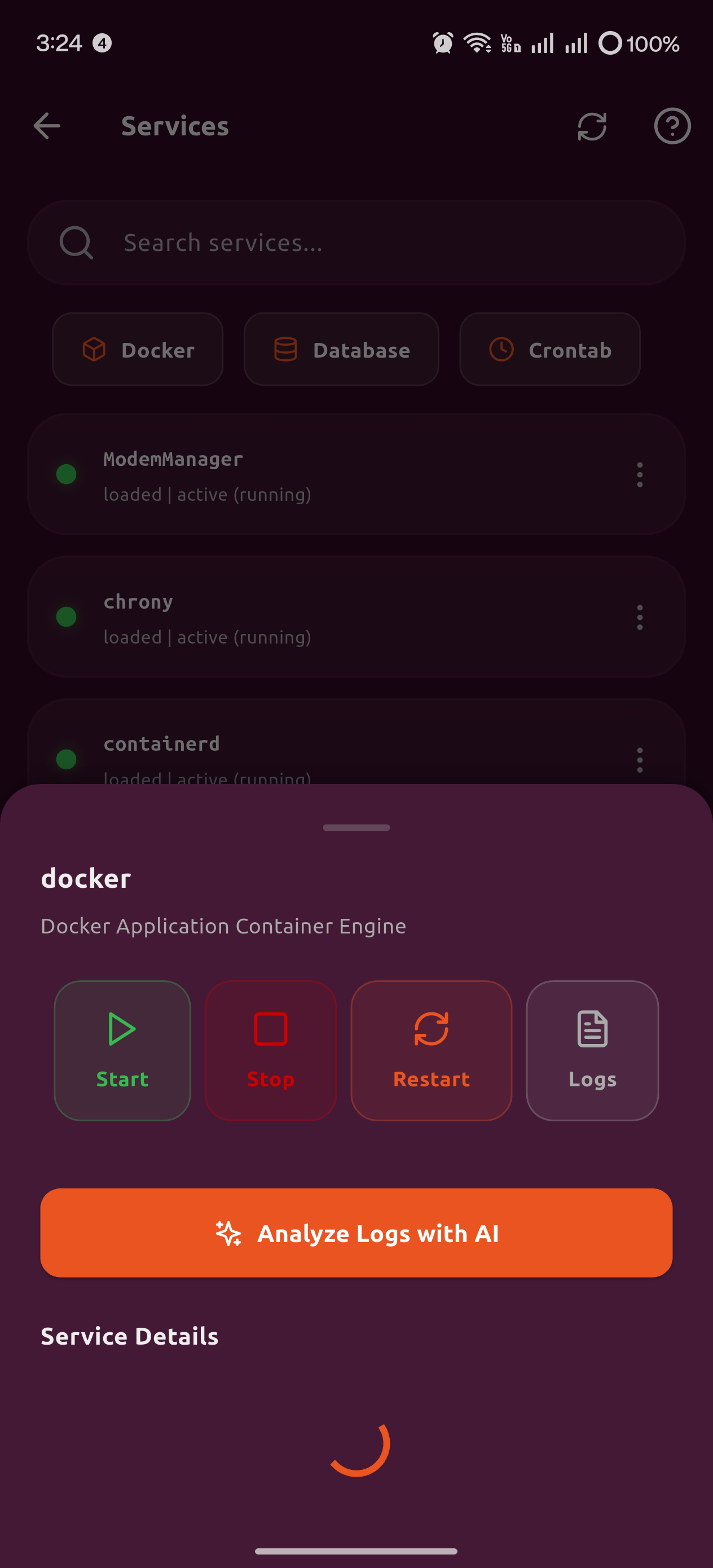
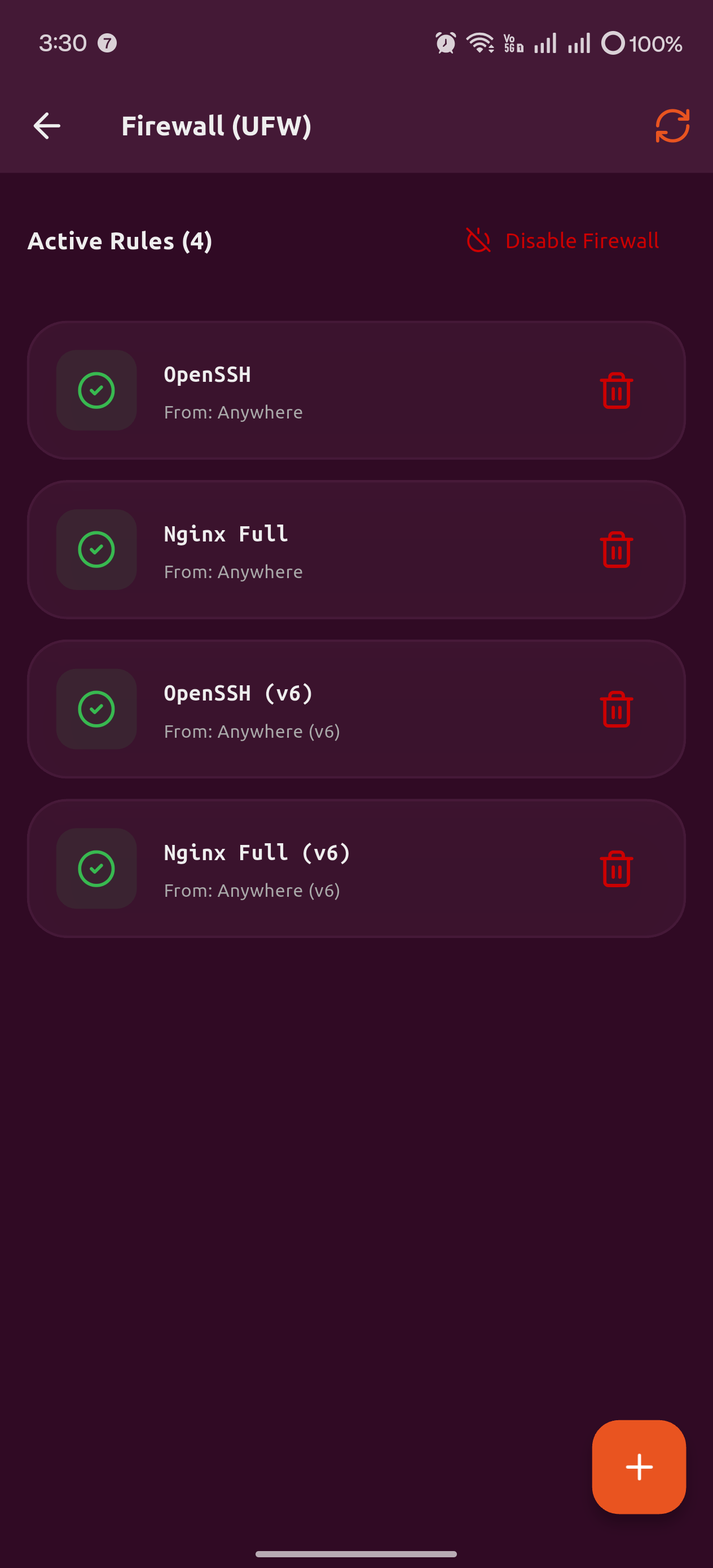
  • UFW Firewall & Service Manager: Beautiful GUIs to manage UFW rules, open/close ports, and monitor Systemd/PM2/Cron Jobs.
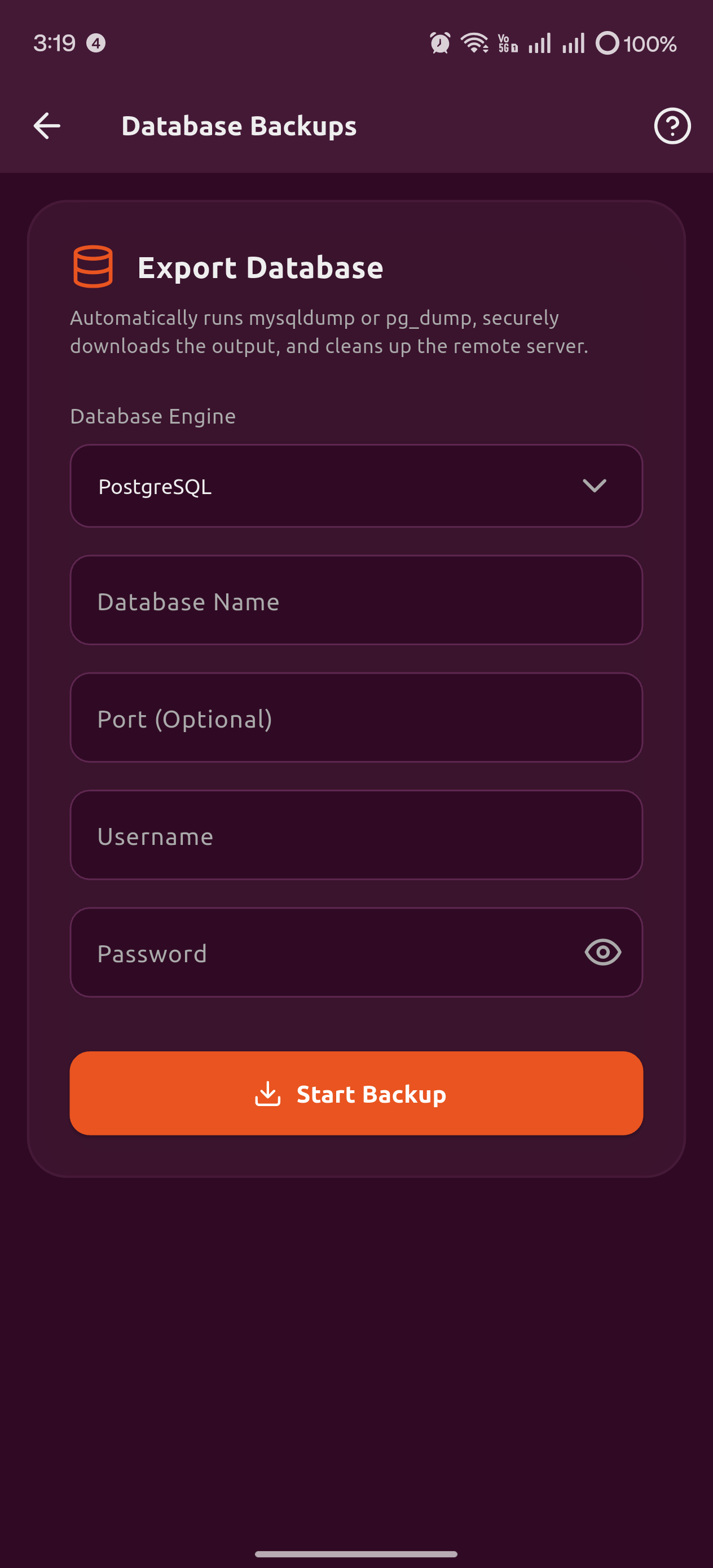
  • 1-Click Database Backups: Perform MySQL/PostgreSQL backups with one tap and auto-download them securely to your device.
  • Cloud Storage Analyzer: Instantly visualize remote disk space used by Videos, Images, System Files, and Archives over SSH.
Server Dashboard

Collaborate & Connect Anywhere

Connect with a single click. Designed for teams spanning global offices and remote networks.

  • Live Multiplayer Collaboration: Broadcast secure terminal sessions to teammates for real-time viewing and typing.
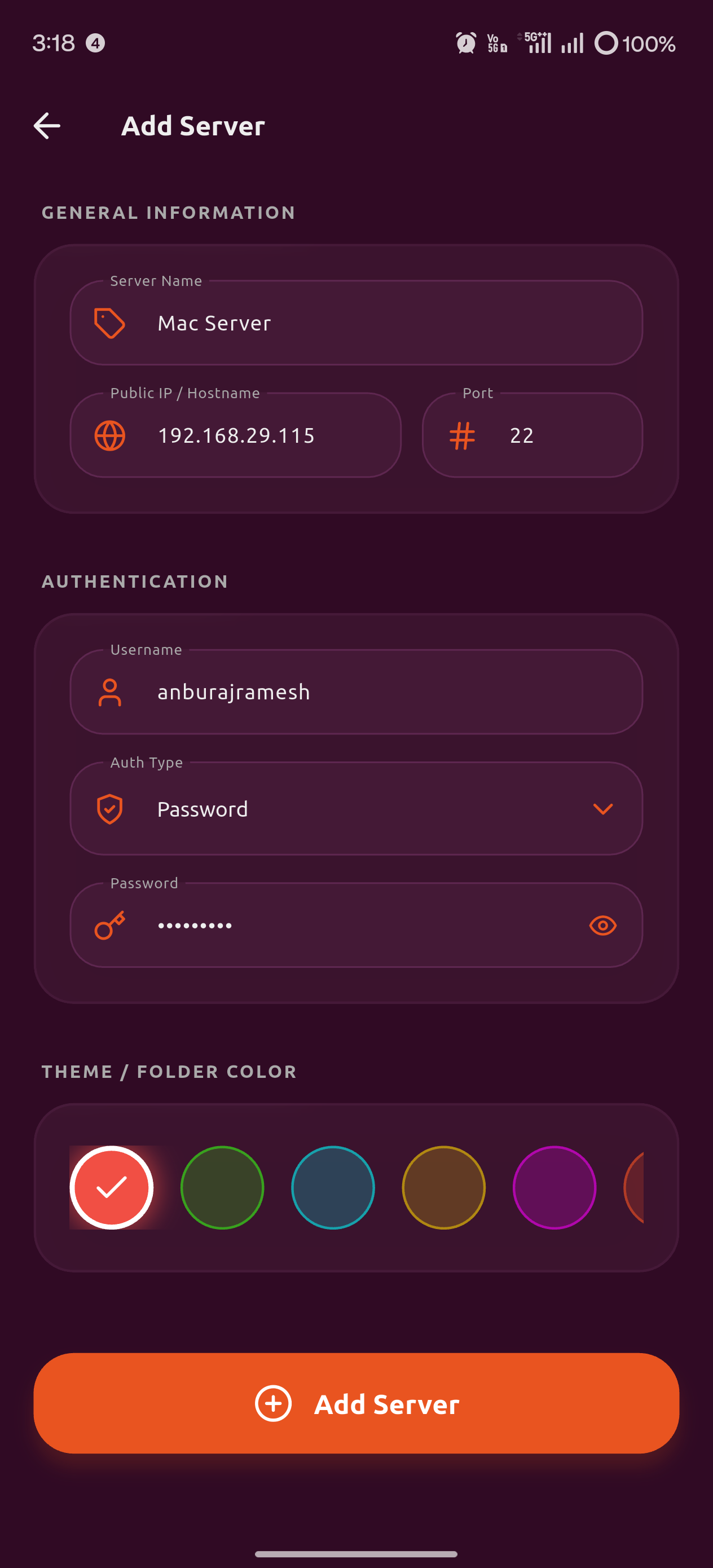
  • Zero-Trust Cloud Fetch: Seamlessly integrate and auto-fetch from AWS, DigitalOcean, Azure, and GCP.
  • Local Network Radar: Built-in TCP port 22 scanner to auto-detect Raspberry Pis, switches, and IoT devices on LAN.
  • Share Encrypted Workspaces: Sync server fleets with teams with full Role-Based Access Control (RBAC).
  • Session Auditing: Watch how your team handles servers with session replay.
Team Collaboration

Frequently Asked Questions

Does ClopsSSH require me to open any ports or set up a VPN to connect to servers behind a firewall?
No. ClopsSSH's ZTNA feature uses the Clops Relay Agent — a lightweight Go binary you install on your target server. It makes an outbound WebSocket connection to relay.clopsai.com, so no inbound ports need to be opened, no firewall rules need to change, and no VPN is required. It works behind NAT, corporate firewalls, and home routers. Your SSH session travels: App → Clops Relay → Agent → your server's local sshd.
Where are my SSH passwords and private keys stored? Can Clops see them?
No. ClopsSSH uses a Zero-Knowledge architecture. All credentials are encrypted and stored inside the OS-level hardware enclave — Secure Enclave on iOS/macOS and Keystore on Android — via flutter_secure_storage. They never exist in plain text anywhere on the device, and they are never sent to Clops servers. Even cloud sync uses AES-256-GCM encryption performed locally on your device before anything is pushed to Firestore.
What happens if my mobile network switches from WiFi to cellular mid-session?
If you're using a standard SSH connection, the session will drop. To prevent this, enable Mosh (Mobile Shell) for that server. Mosh uses UDP instead of TCP and is designed specifically for roaming — it seamlessly survives network switches between WiFi and 5G, high-latency connections, and even extended periods of no connectivity, resuming the session automatically when the network comes back.
Can multiple team members access the same server infrastructure, and can I control what they can do?
Yes. Workspaces let you securely share your server fleet with team members using an encrypted Workspace Passcode. Access is governed by Role-Based Access Control (RBAC). For stricter environments, the Just-In-Time (JIT) Access feature requires team members to submit a time-bound access request with a business justification (e.g., Incident #1234) that gets routed to a Workspace Admin for approval via Slack or Teams. Access auto-expires after 1–24 hours with no manual revocation needed.
Does ClopsSSH work on iPad, and is the UI optimized for the larger screen?
Yes. On iPad and large-screen tablets, ClopsSSH switches to a dedicated dual-pane layout in landscape mode — a FileZilla-style split view where you can browse remote files on one side and preview images or text files on the other, with drag-and-drop transfers between two servers simultaneously. The home screen, Knowledge Hub, and server list also automatically adapt to multi-column grid layouts based on screen width, so nothing is just a stretched phone UI.

Need a Custom Solution?

Our team can build custom solutions and automations tailored to your specific business needs, bridging the gap between legacy systems and modern DevSecOps.

Request Custom Integration

Trusted by Founders

"ClopsSSH gives our team seamless access to AI deployment pipelines. The zero-knowledge architecture means our model weights remain perfectly secure while scaling."

Satyanarayan

Founder, AioAgent

"Integrating ClopsSSH into our infrastructure simplified our server management overnight. The synchronized team workspaces save us hours of configuration."

Anburaj Ramesh

Founder, Zerostocx

"As a cloud service provider, managing client nodes across multiple environments was complex. ClopsSSH's visual cluster management and ZTNA made it effortless."

Dev Anand

Founder, Innocloud Services

"The performance is unmatched. Being able to securely monitor our algorithms across global servers from a mobile device is a game-changer for our workflow."

Karthiga Rajendran

Founder, Algoxfusion

"The CAN bus diagnostics and OTA updates feature is exactly what our automotive team needed for field testing."

David L.

Automotive Engineer, SDV

Get in Touch

Enterprise Sales Inquiries

Interested in deploying ClopsSSH across your organization, fleet, or automotive infrastructure? Connect with our enterprise sales team.

sales@clopsai.com

Technical Support Desk

Are you a current customer seeking system status updates, API keys, or operational help? Access our HelpDesk.

support@clopsai.com
root@clopsai:~#

Secure Your Infrastructure